
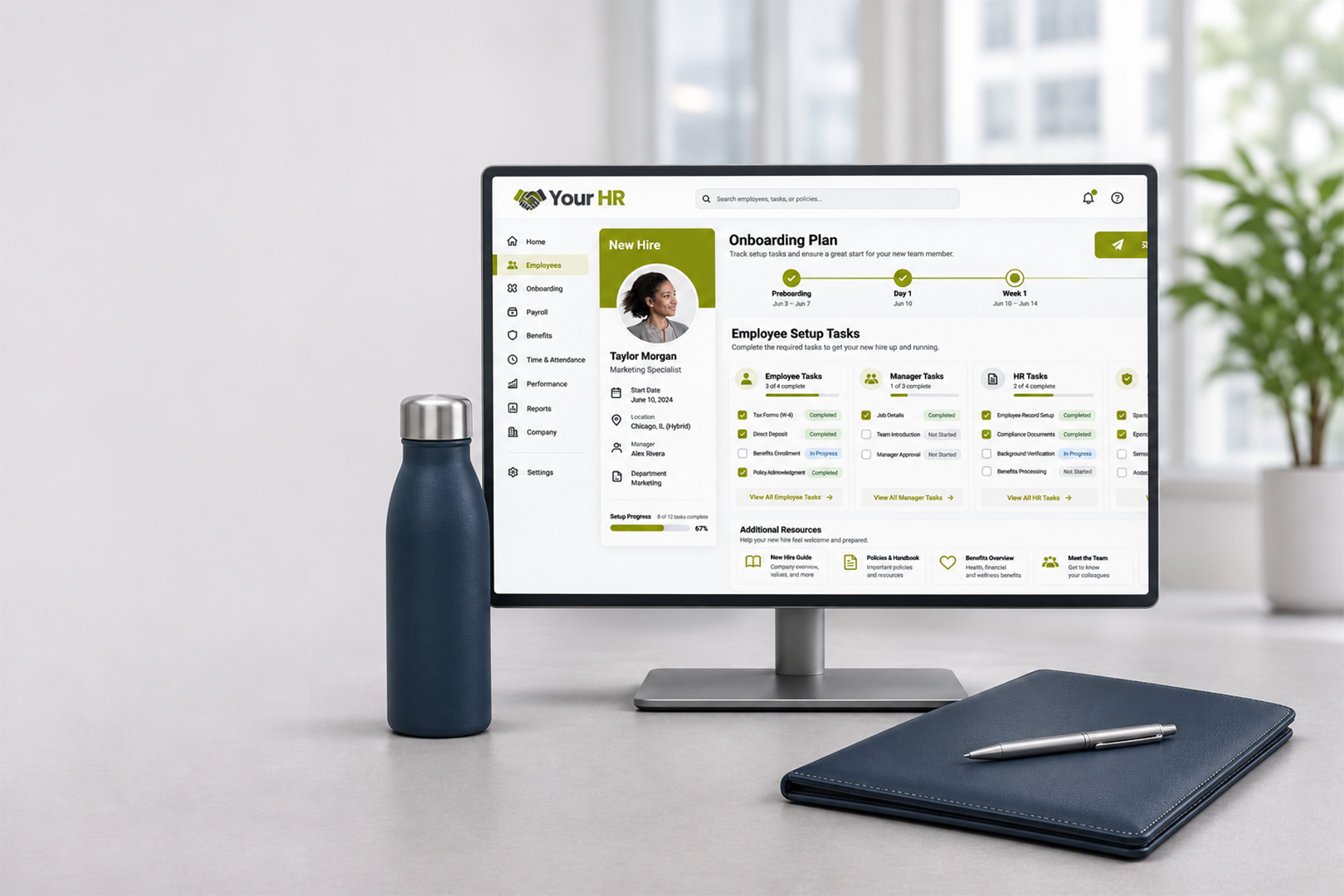
Now Connect to What Happens Next.
Connect the systems your team already uses with the merchandise workflows you want to automate. QuickBrand can support event-driven workflows through API connections, automation platforms, and procurement integrations, depending on your systems and requirements.
Our team will help determine the right connection model, clarify implementation responsibilities, and define the workflow before anything goes live.
REST API
Docs Available on Request
SSO
Okta · Azure AD · SAML 2.0
PunchOut
Coupa · Workday · SAP Ariba
SOC 2 Type 2
Independently Audited
Managed Setup
We Build With You
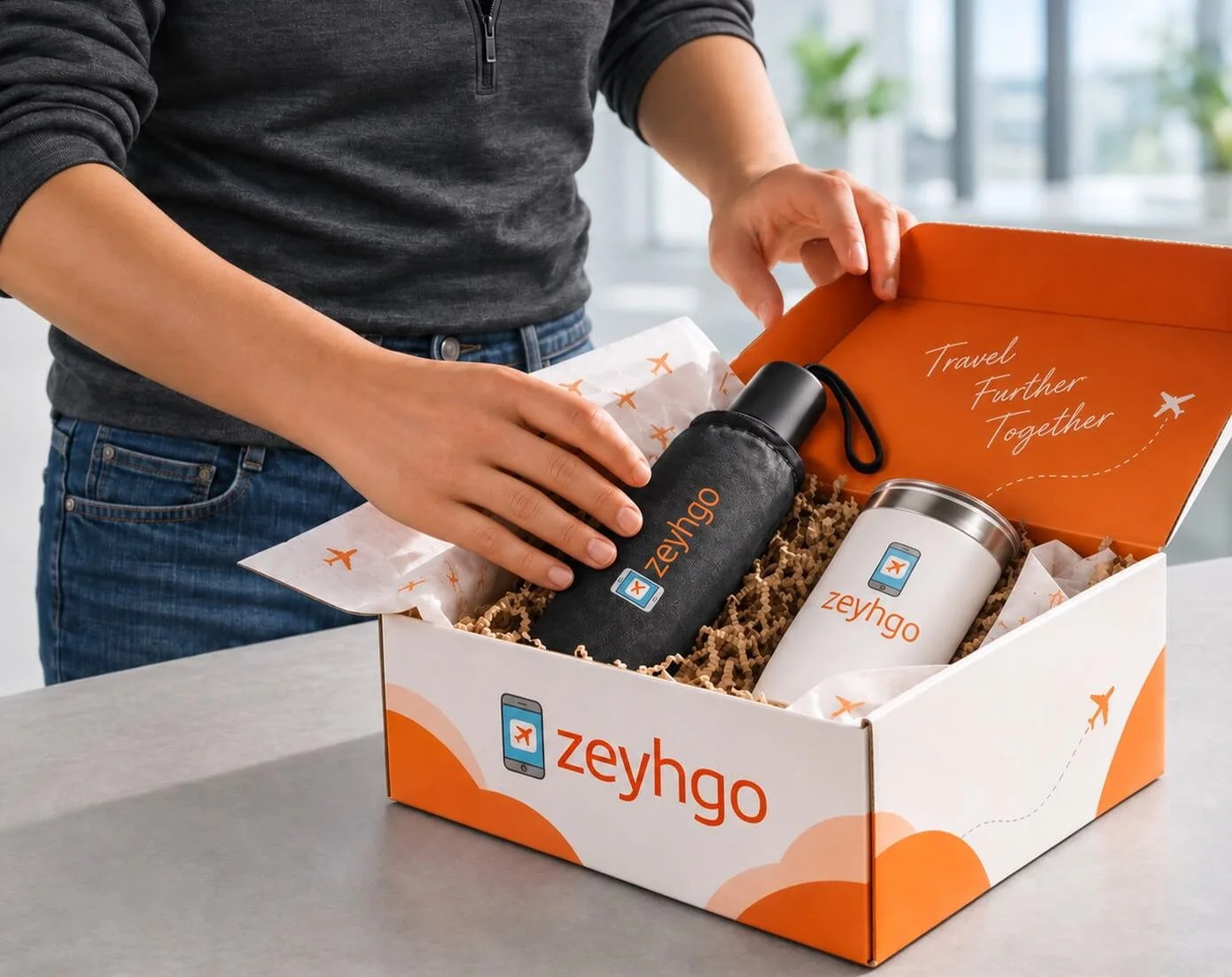
Your Systems Record the Event. What Happens Next?
Your business systems already record important events: a new hire joins, a sales opportunity closes, or a customer support issue is resolved.
The opportunity is to connect those events to the right merchandise action, reducing repetitive coordination and manual order processing.
QuickBrand helps organizations design workflows that connect business events to actions such as issuing merchandise credit, creating an order, or generating a redemption code.
The exact workflow depends on your system, connection method, and program rules.
Three Ways to Connect Choose the Right Approach.
Automation Platform
Connect through middleware or an automation platform.
Our team can help assess tools such as Zapier, Make, or Power Automate and determine whether they can support your required workflow. Availability depends on the systems, actions, and connection methods involved.
API Connection
Build a connection around your existing systems.
Where supported, your development team or implementation partner can use QuickBrand API documentation and credentials to connect business events with the required QuickBrand actions. The implementation approach depends on your technical environment and workflow.
Procurement Integration
Connect merchandise purchasing with your procurement process.
For supported procurement systems, PunchOut and cXML may allow buyers to access a merchandise catalog through an existing purchasing workflow. Compatibility, configuration requirements, and purchasing-system support must be confirmed for each implementation.
“The most comprehensive and efficient end-to-end, fully integrated technology system and processes in place anywhere in the branded merchandise industry”
One Connection Multiple Workflows.
Connect events in your business systems to configured actions in QuickBrand. The workflow depends on your program rules, integration setup, and fulfillment requirements.
STAGE 1
An HR platform records a new hire, a CRM records a closed-won opportunity, or a service platform records a resolved case.
Your System Records an Event
STAGE 2
A Configured Rule Determines the Action
A configured rule defines which event qualifies, who is eligible, and what action should follow.
STAGE 3
QuickBrand Performs the Configured Action
Based on the workflow, QuickBrand may issue merchandise credit, create an order, or generate a redemption code.
STAGE 4
Depending on the program, recipient may select merch and provide shipping details. Alternatively, a preconfigured order may proceed directly through a set fulfillment process.
The Workflow Continues
One Connection Multiple Business Functions.
Use eligible events from your existing systems to support merchandise workflows across your organization. The examples below illustrate potential use cases; each workflow requires compatibility and implementation review.
HR & People Operations
Potential trigger source: HRIS or employee management system
New-hire welcome kits
Work anniversaries & service awards
Uniform & PPE entitlement
Role, department or location change
Promotions and employee milestones
Referral qualification
Retirement and offboarding workflows
Wellness and safety recognition
Sales Enablement
Potential trigger source: CRM
Closed-won gifting
Meeting or demo milestones
Target account sequences
Renewal & expansion milestone
Stalled-deal re-engagement
Referral & advocacy rewards
Event & trade show lead fulfillment
Marketing
Trigger source: your marketing automation platform
Product launch campaigns
Webinar and event participation
Customer story initiatives
Field kits for sales representatives
Marketing and campaign kits
Seasonal campaigns
Customer Success & Service
Potential trigger source: Customer success or service platform
Customer appreciation after a resolved issue
Onboarding and go-live milestones
Customer success milestones
Pre-renewal engagement
Customer re-engagement campaigns
Built to Support Enterprise Workflows
Evaluate the capabilities relevant to your organization's technical, security, identity, and procurement requirements.
API and Data Exchange
Review the available API documentation and connection options to determine whether the required data and actions are supported.
Procurement Workflows

Assess PunchOut, cXML, and purchasing-system compatibility based on your procurement environment and requirements.
Identity and Access

Review available single sign-on options and identity-provider compatibility with your IT team.
Approvals and Budget Controls
Confirm which approval, budget, purchasing, and allocation controls are available for your intended workflow.
Security Review
Request the relevant security documentation and supporting information for your organization's review. Any certification or audit claim should reflect current, verified documentation.
Multi-Site and Multi-Division Programs
Discuss the store structure, access requirements, and administration model needed across your organization.
Connect Based on Your Systems and Requirements
Your integration options depend on the interfaces your systems provide, the workflow you need, and the implementation approach selected.
HR & People
Workday · UKG · ADP Workforce Now · BambooHR · Rippling · Paylocity · Paycom · SAP SuccessFactors · Ceridian Dayforce · Namely · Gusto · Oracle HCM · Personio · HiBob
CRM & Marketing
Salesforce · HubSpot · Microsoft Dynamics 365 · Pipedrive · Zoho CRM · Marketo · Pardot · Klaviyo · Mailchimp · Outreach · Salesloft · Gong · Apollo · 6sense · Demandbase
Procurement & Service
Coupa · SAP Ariba · Jaggaer · Workday Procurement · Zendesk · ServiceNow · Freshdesk · Jira Service Management
These names are examples of systems organizations may use, not a guarantee of a ready-made connector or verified compatibility.
From Requirements to a Tested Workflow
Step 1
Share Your Requirements
Tell us which systems you use, what event should trigger an action, and what the workflow needs to accomplish.
Step 2
Confirm Compatibility and Scope
We review the available interfaces, required data, connection model, and responsibilities for the implementation.
Step 3
Configure and Test
The agreed team configures the connection, maps the required data, and tests the workflow according to the implementation plan.
Step 4
Launch and Refine
Once the agreed checks are complete, launch the workflow and identify opportunities to extend it to other use cases.
Common Integration Questions
-
Potentially, depending on the HR platform's available interfaces and the actions your program requires. Our team will review your use case and confirm compatibility, the connection approach, and implementation scope.
-
The available options depend on the required workflow, the system's supported interfaces, and the connection method. Share your intended use case so our team can assess the requirements.
-
Available integrations and connection methods should be confirmed for the specific system. Some workflows may use an existing connector, while others may require middleware configuration or custom development.
-
Ownership depends on the agreed implementation approach. QuickBrand's team can help assess requirements and support the agreed setup. Your internal developers, an implementation partner, or a middleware provider may also be involved.
-
The available API operations and data fields determine what can be automated. Request the current technical documentation to assess whether your required actions are supported.
-
Not necessarily. Some workflows may be possible through a suitable automation platform, while others may require developer or implementation-partner involvement. This can be determined during technical scoping.
-
Authentication and access requirements depend on the connection method and the systems involved. Our team can share the relevant technical information for your IT review.
-
PunchOut and cXML compatibility should be assessed against your procurement platform and purchasing workflow. Contact our team to confirm the available options for your environment.
-
Ask our team to confirm the currently supported identity providers, protocols, and configuration requirements for your organization.
-
Our team can provide relevant, available security documentation for your evaluation. Any certification, audit status, or security control should be confirmed against current documentation.
Have Technical Questions? Let's Talk.
Tell us which systems you use and what you want to automate. Our integration team will review your requirements and help clarify compatibility, implementation options, and next steps.
Relevant technical and security documentation may be available on request.